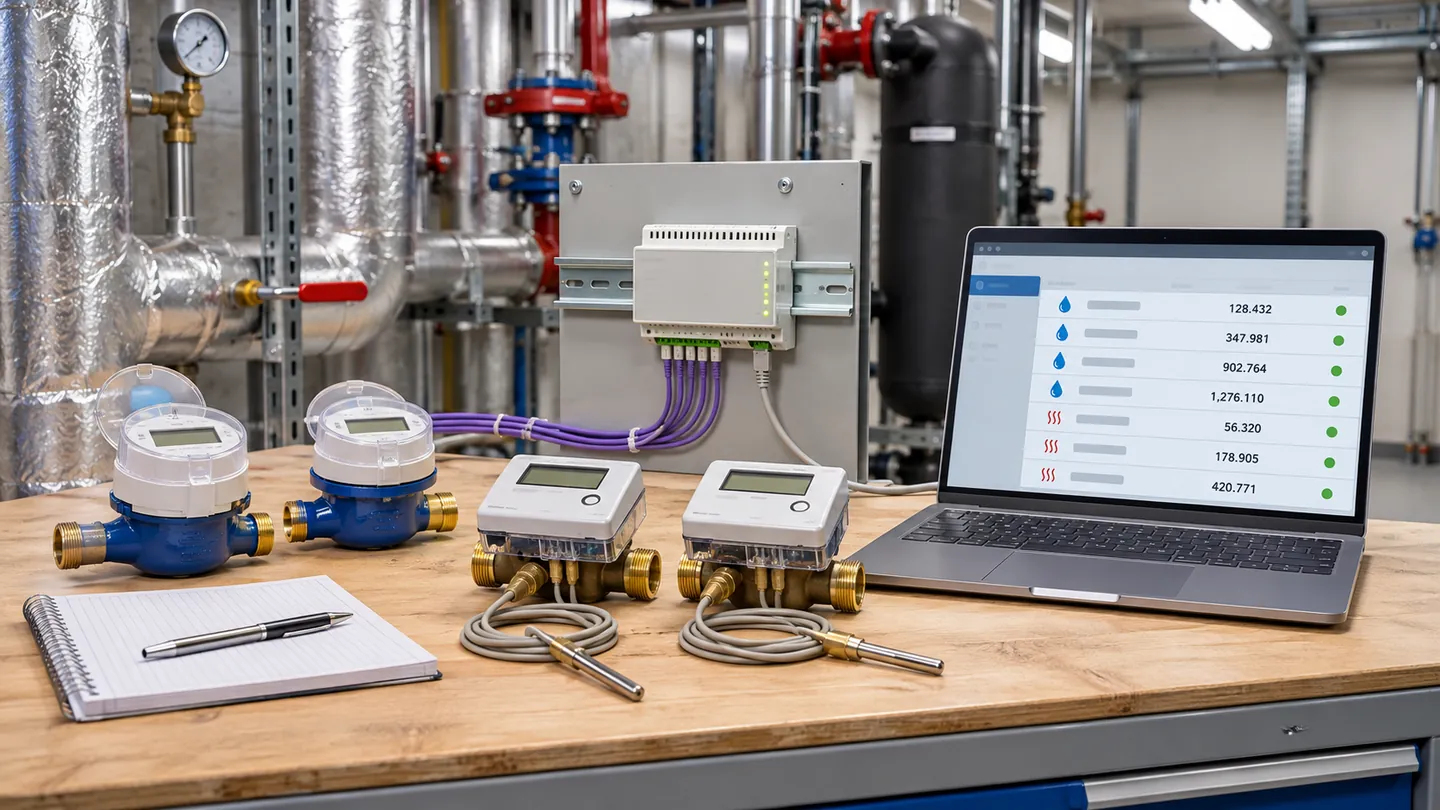
A successful scan is only the start of commissioning. A usable M-Bus handover also identifies each physical meter, confirms the reading and units, and saves a record that another operator can repeat. The ConnectME M-Bus Reader page describes a Windows desktop utility for meter search, readout, troubleshooting and export.
Before connecting a laptop
Record the meter model, serial number, installed location, service and expected address. Confirm the physical M-Bus converter or gateway, its power, network path and the connection mode actually supplied at the site. A protocol label on a purchase order is not proof that the meter is reachable. Use the device-specific documentation and the agreed point map for the exact variant.
Scan, identify and read
Use the reader to search for connected meters, then compare each discovered address with the physical asset register. Read a known device and compare its displayed value with the software value, including unit and timestamp. Check more than one meter and record any duplicate addresses, missing devices or implausible values. Correct the installation or configuration issue before treating the reading as billing-ready.
Preserve the handover evidence
Export the meter list and readings for the commissioning pack, subject to the project's privacy and security rules. Record the software version, converter model, connection settings, test date, exceptions and the person who approved the result. Keep customer meter data off publicly shared files and screenshots. A later address change or meter replacement should trigger a new scan and comparison.
What the trial download requires
On the reader product page, a Windows visitor enters contact details and verifies an email code before receiving the installer. The verified browser can download it again for 24 hours. The supplied Windows application and its updater are packaged without changing the original executable; it is not a Mac download. Confirm site IT policies before installation or allowing any software update.
Sources: ConnectME M-Bus Reader product information and the Open Metering System specifications. This is a practical commissioning checklist, not a certification claim. The image is generated and illustrative.